How to Add Multiple Automatic Discounts in Shopify

Enhance Your Customers' Shopping A Comprehensive Guide on Implementing Multiple Automatic Discounts on Shopify to Increase Customer Engagement and Sales

Table of Contents

Shopify-App

Boost Sales with Multi-Discounts

As an online retailer, providing discounts and promotional offers to your customers is an excellent way to drive sales and create a loyal customer base.

Shopify is a popular e-commerce platform that enables online retailers to create and manage their online stores with ease. One of the platform’s great features is the ability to provide automatic discounts to your customers.

However, what if you want to offer multiple discounts to your customers? This article will provide you with a comprehensive guide on how to add multiple automatic discounts in Shopify and boost sales using multi-discounts.

Do you have a large inventory on your Shopify store?

InventoryHero is a useful Shopify app designed to help online store owners manage their inventory more efficiently by automatically discounting non-moving or slow-moving items at the variant level.

How to Have More Than One Automatic Discount on Shopify?

By default, Shopify allows online retailers to create only one automatic discount per order. But, with the use of third-party apps, online retailers can now create multiple automatic discounts. Here is a step-by-step guide on how to add multiple automatic discounts to your Shopify store

Step 1: Install a Multiple Automatic Discounts Shopify App

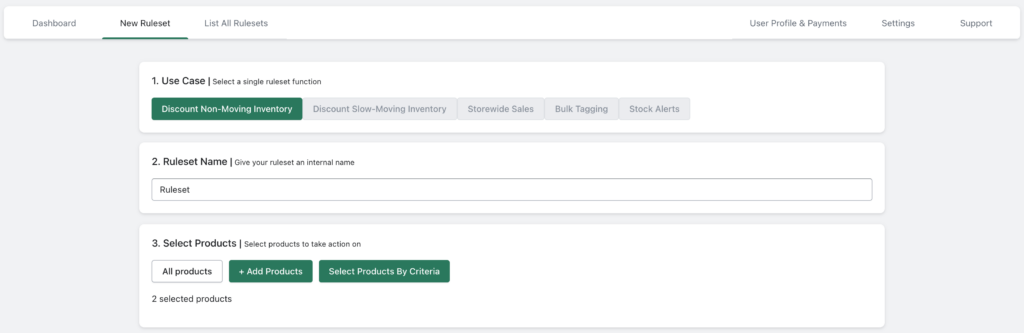
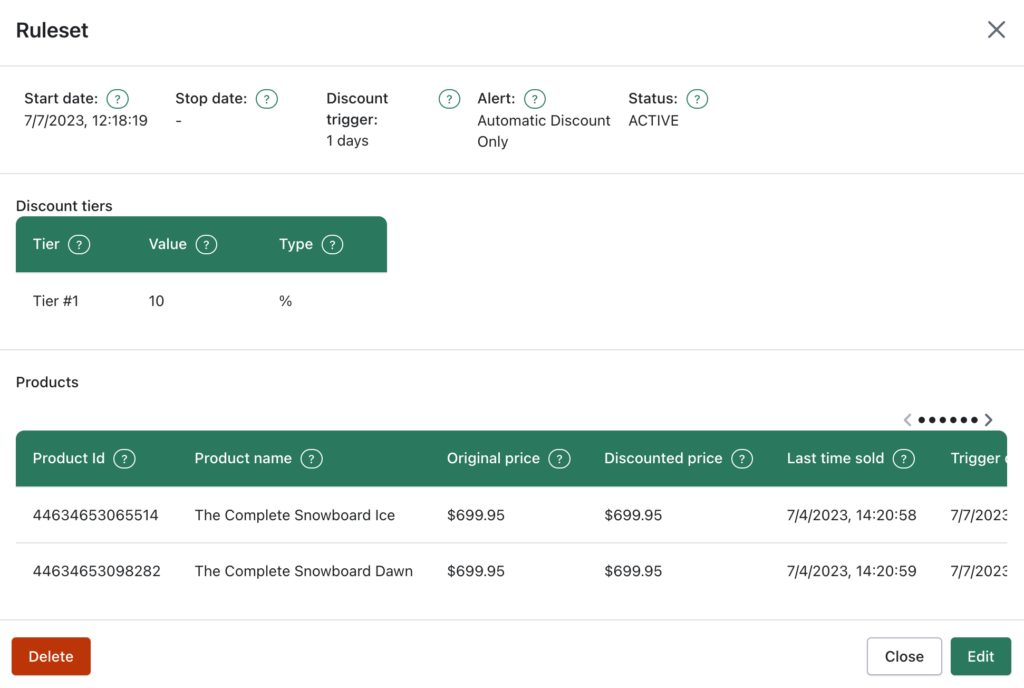
The first step is to install InventoryHero that offers the functionality of multiple automatic discounts. After installation, follow the app’s instructions on how to set up multiple automatic discounts.

Step 2: Create Your Multiple Automatic Discounts

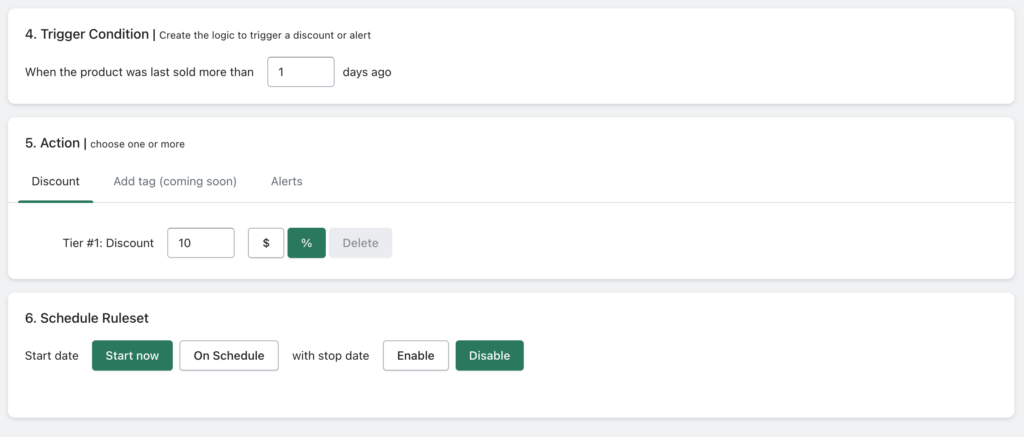
After installing the app, create your multiple automatic discounts. For example, you can create a discount that offers 10% off when a customer purchases two items or more, or a discount that offers free shipping when a customer purchases three items or more.


Step 3: Customize Your Multiple Automatic Discounts

Customize your multiple automatic discounts to fit your business needs. For instance, you can set a specific date range for the discounts or limit them to specific collections or products.

Step 4: Test Your Multiple Automatic Discounts

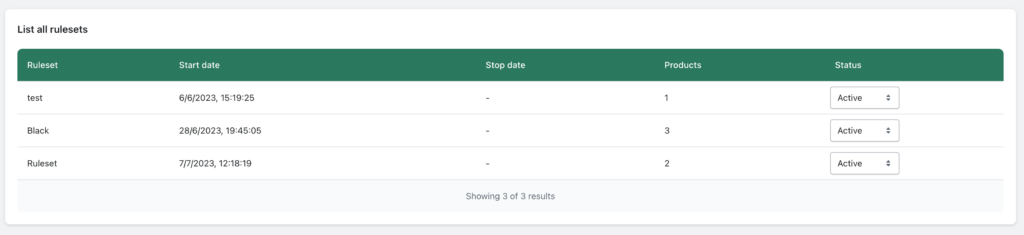
Before launching your discounts, test them to ensure they work correctly. Place a test order to see if the discounts apply correctly and adjust them as needed.

Step 5: Launch Your Multiple Automatic Discounts

After testing and verifying your discounts, launch them to your customers. Promote them on your website, social media channels, and email newsletters to encourage your customers to take advantage of the discounts.

Do you have a large inventory on your Shopify store?

InventoryHero is a useful Shopify app designed to help online store owners manage their inventory more efficiently by automatically discounting non-moving or slow-moving items at the variant level.

Advantages of Offering Multiple Automatic Discounts on Shopify

Offering multiple automatic discounts on Shopify comes with several benefits that can help boost sales and customer engagement. Some of these benefits include:

Increased Sales:

Offering multiple automatic discounts encourages customers to purchase more products, leading to increased sales and revenue for your business.

Customer Loyalty:

Customers appreciate discounts and offers, and by offering multiple automatic discounts, you can create a loyal customer base that keeps coming back to your store.

Competitive Advantage:

Offering multiple automatic discounts can give your business a competitive edge over other online retailers that offer only one discount.

Flexible Pricing Strategy:

Multiple automatic discounts allow you to implement a flexible pricing strategy that meets your business needs, target different customer segments, and drive sales.

Do you have a large inventory on your Shopify store?

InventoryHero is a useful Shopify app designed to help online store owners manage their inventory more efficiently by automatically discounting non-moving or slow-moving items at the variant level.

Final thoughts

Adding multiple automatic discounts to your Shopify store can significantly boost sales and customer engagement. By following the above guide, you can set up multiple automatic discounts quickly and easily using third-party apps.

Multiple automatic discounts offer several benefits, including increased sales, customer loyalty, competitive advantage, and a flexible pricing strategy. So, why not start implementing multiple automatic discounts today and watch your sales soar!